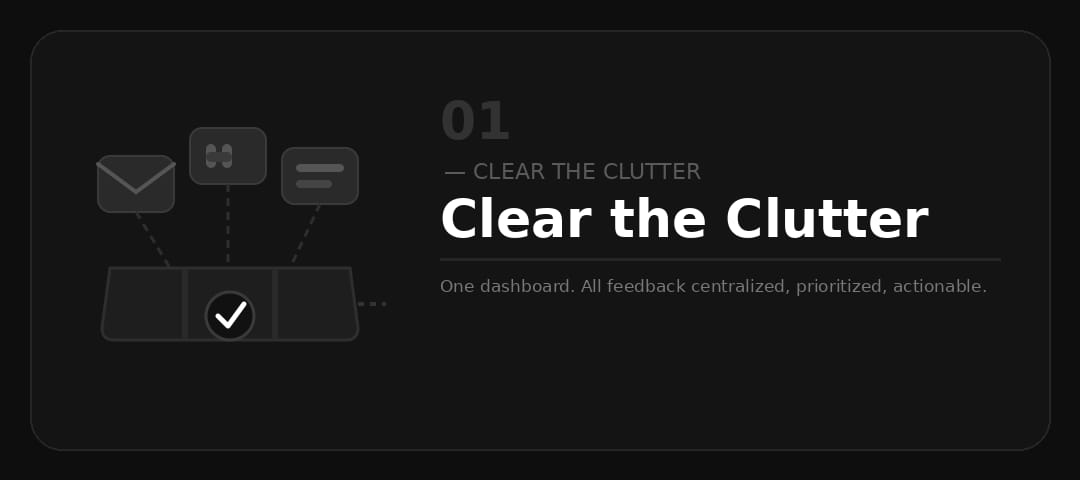
The feedback chaos problem
When your team collects feedback across multiple channels — support tickets, Slack messages, email threads, app store reviews — every piece of data lives in a different silo. Nothing is connected. Nothing is ranked. By the time someone reads the fifth Slack message about the same issue, you've already shipped something else.
The result is decision paralysis. Teams either build based on the loudest voice in the most recent channel, or they spend hours each week manually tagging and consolidating feedback that should already be organized.
This isn't a process problem. It's an infrastructure problem.
One dashboard. Everything in it.
MonkFeed centralizes every piece of feedback — feature requests, bug reports, comments, votes — into a single structured dashboard.
Instead of hunting through threads, you get:
- A ranked list of requests, sorted by votes and user engagement
- Status tracking — Under Review, In Progress, Shipped, Closed
- Comment threads that give every request full context
- Moderation tools to keep your board clean and actionable
- Trend analytics to spot what's gaining momentum
Everything your product team needs. One place. No tab-switching.
From scattered to structured
The shift from scattered feedback to a centralized board changes how your entire team operates:
- Faster triage — New feedback is immediately visible and votable, not buried in an inbox
- Shared context — Your whole product team sees the same data at the same time
- Customer trust — Users see their feedback acknowledged and tracked, not sent into a void
- Fewer status meetings — Progress is self-serve. No more "where did we land on that request?" threads
When the signal is clean, decisions are faster and more confident.
Set up in under five minutes
MonkFeed takes less than five minutes to install. Drop in one line of code, and every feedback submission goes straight to your dashboard. No configuration required. No training needed.
<div class="monkfeed-widget" data-application-id="YOUR_APP_ID"></div>
<script src="https://monkfeed.entrext.com/widget.js"></script>
By the time you finish your next coffee, you'll have a centralized feedback board and a clear picture of what your users actually want.