Improving customer experience (CX) isn't just about fixing bugs or adding nice-to-have features — it's about listening to your users and acting on their needs faster than your competition. The most successful SaaS companies don't guess what features to build next. They let their customers decide.
By integrating a lightweight, embeddable feedback widget directly into your product, you can transform passive users into active contributors. Here is how to leverage this approach to boost your CX.
1. Stop Guessing, Start Listening
Traditional CX strategies often rely on delayed surveys or support tickets that miss the context of the user's journey. The modern approach is in-context feedback.
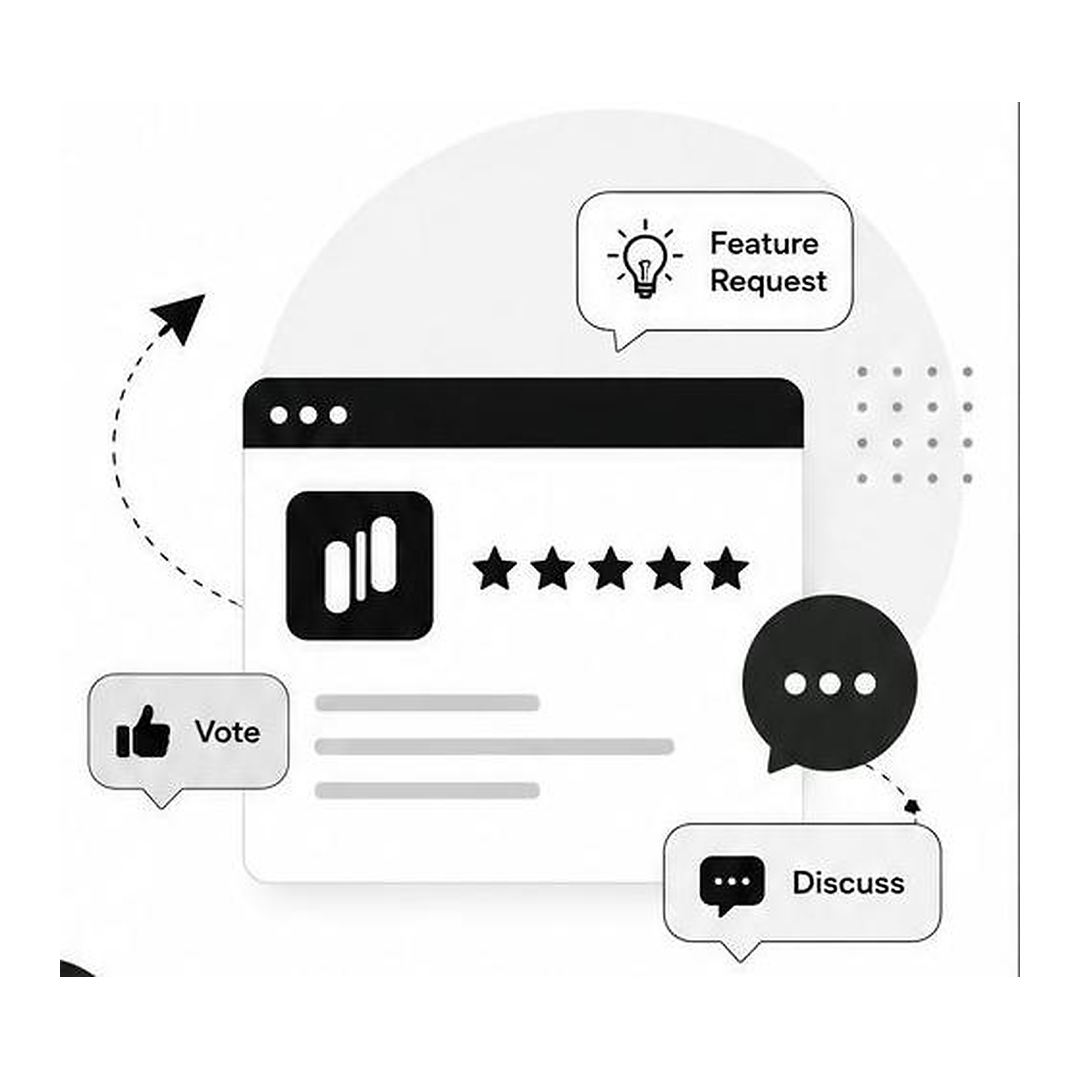
Instead of asking users to leave your app to fill out a survey, embed a widget that allows them to:
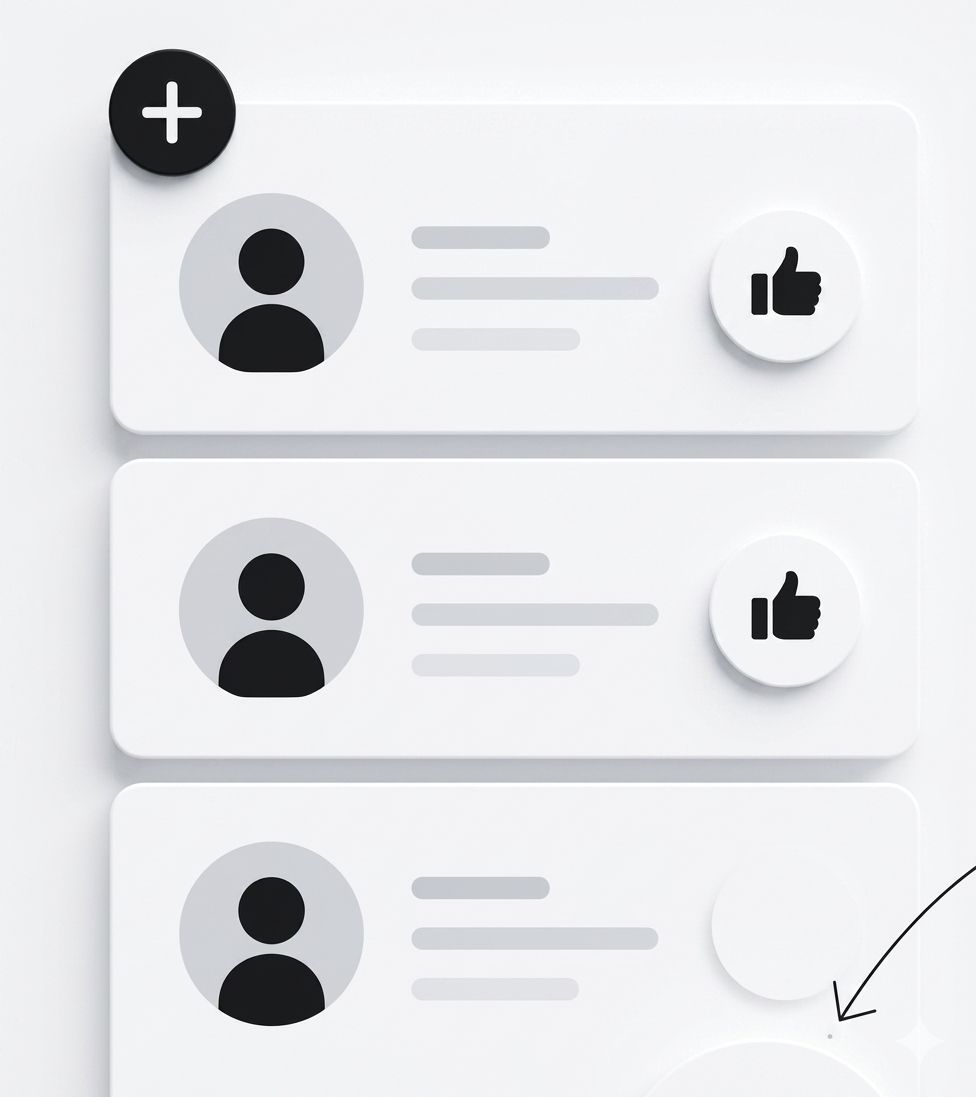
- Submit feature requests instantly
- Comment on existing ideas
- Vote on what matters most to them
Key Insight: When users feel heard in real-time, their satisfaction and loyalty increase significantly.
2. Prioritize Based on Data, Not Hunches
One of the biggest pitfalls in product development is building features that only a small fraction of users want. To improve CX, you need smart prioritization.
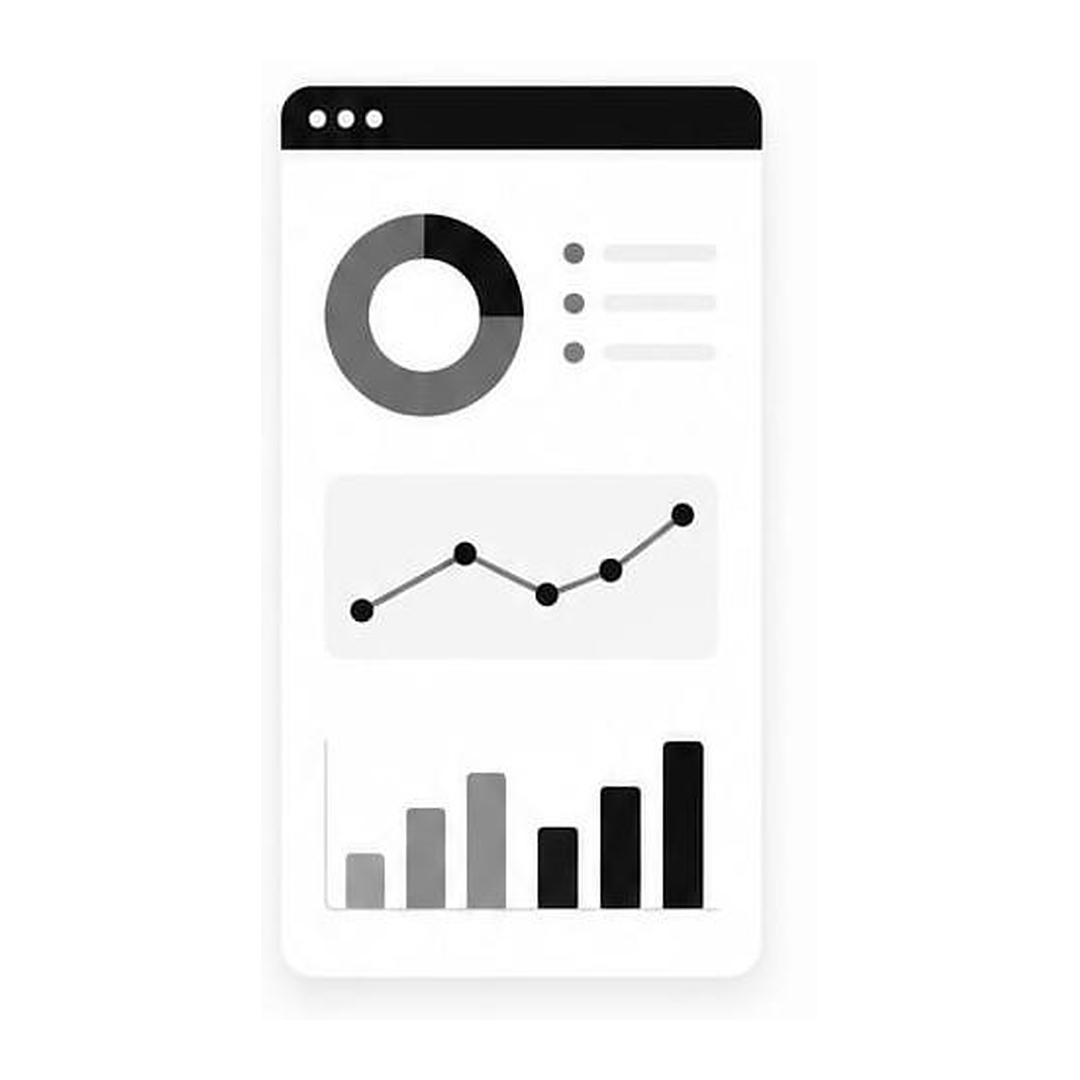
Using a focused dashboard, you can:
- Spot trends — See which requests are gaining traction
- Filter by user segment — Prioritize requests from your most engaged or high-value customers
- Track sentiment — Understand not just what users want, but how they feel about your current offering
For example, if 80% of your mobile banking app users are requesting dark mode but only 5% of your SaaS desktop users care, you can allocate resources accordingly. Data-driven prioritization means fewer wasted sprints and more shipped features that users actually celebrate.
3. Build a Culture of Community and Discussion
CX improves when users feel part of the product's journey. A rich discussion platform allows for:
- Threaded replies — Users can debate and refine ideas together
- Contextual comments — Product teams can ask clarifying questions directly on the feedback item
- Transparency — Users can see which requests are Under Review or Coming Soon
This transparency reduces support ticket volume because users understand the roadmap and can self-serve on status updates. When customers see their ideas move from "Submitted" to "Shipped," they become advocates — not just users.
4. Don't Slow Down Your Product
A common fear is that adding feedback tools will hurt performance. However, modern widgets are designed to be lightning fast.
- Core Web Vitals — A well-built feedback tool loads asynchronously so it never impacts your site speed scores
- Lightweight Embed — A single line of code that works with HTML, Next.js, React, and more
- Customizable Design — Match your brand's colors and fonts so the widget feels like a native part of your app, not an intrusion
Your CX investment shouldn't come at the cost of the experience itself. The right widget is invisible when idle and instantly accessible when a user has something to say.

5. Keep Feedback Clean with Spam Protection
Quality control is essential. If your feedback board is cluttered with spam or low-quality comments, users will disengage. Look for built-in moderation tools that:
- Filter out automated spam submissions
- Allow admins to hide or delete irrelevant comments
- Ensure discussions remain constructive and focused
A clean feedback board signals to users that their voice is valued — and that the product team is actively listening. Noise reduction is itself a CX win.
The Result: Faster Decisions, Better Products
When you implement a system to collect, analyze, and act on feedback, the results are measurable:
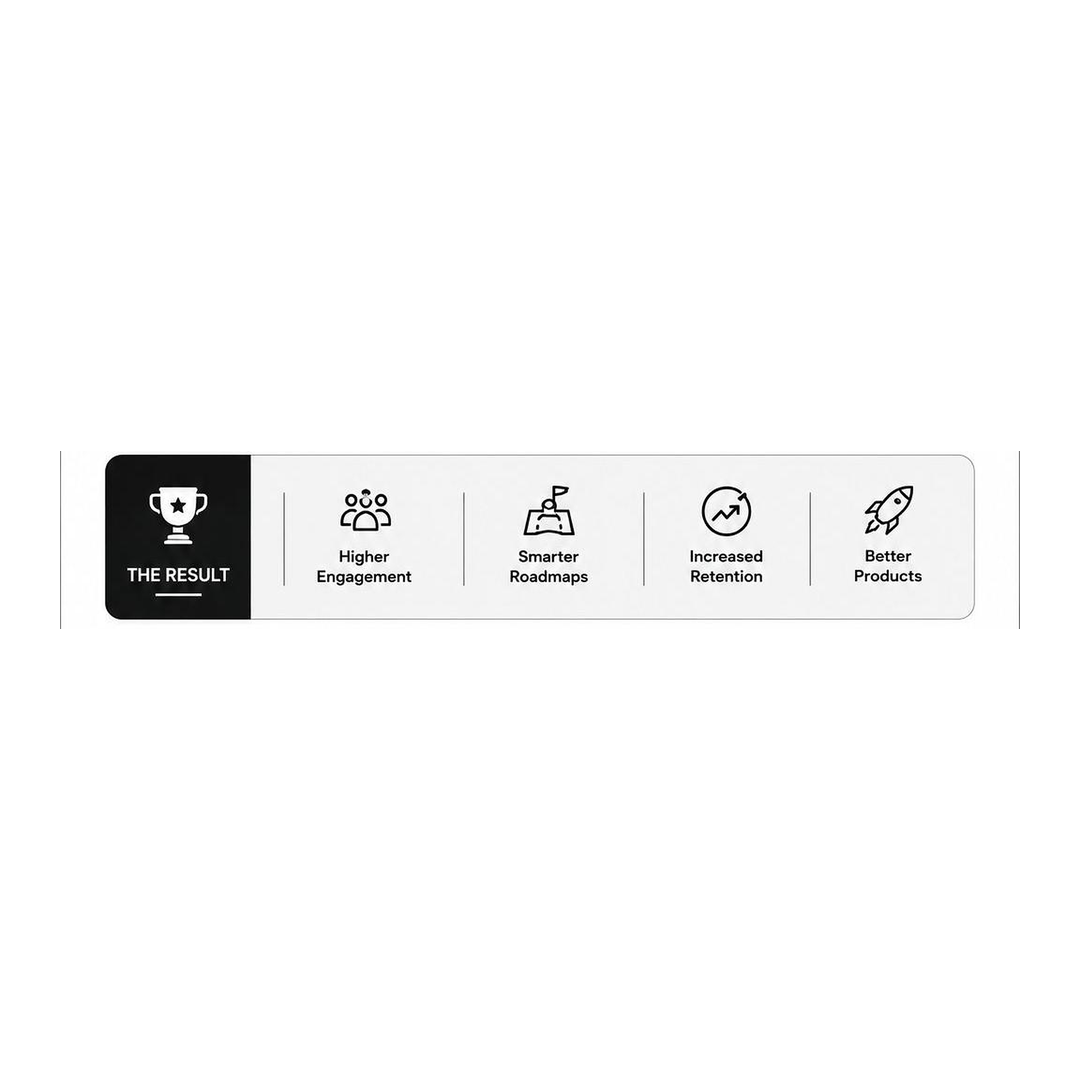
- Higher Engagement — Users are more likely to participate when the process is seamless and in-context
- Smarter Roadmaps — Your development team knows exactly what to build next, backed by real votes
- Increased Retention — Users stay longer when they see their ideas coming to life
- Better Products — You ship what customers actually want, not what you assumed they wanted
By turning your users into co-creators, you don't just improve customer experience — you build a product that people actually want to use.