Why context beats one-liners
A one-line request is an iceberg — you see the ask, not the need beneath it. "Make exports faster" could mean a 30-second wait feels broken, or that a finance team exports 50,000 rows every Monday. Same words, completely different solutions.
Without context, teams guess at requirements, ship the wrong interpretation, and watch the feature miss. Rich feedback closes that gap by letting users explain, react, and build on each other's ideas — so you understand the real problem before you write a line of code.
Everything a conversation needs
MonkFeed gives every request the tools of a real discussion:
- Up-voting — users rally behind ideas they share, so demand is visible at a glance.
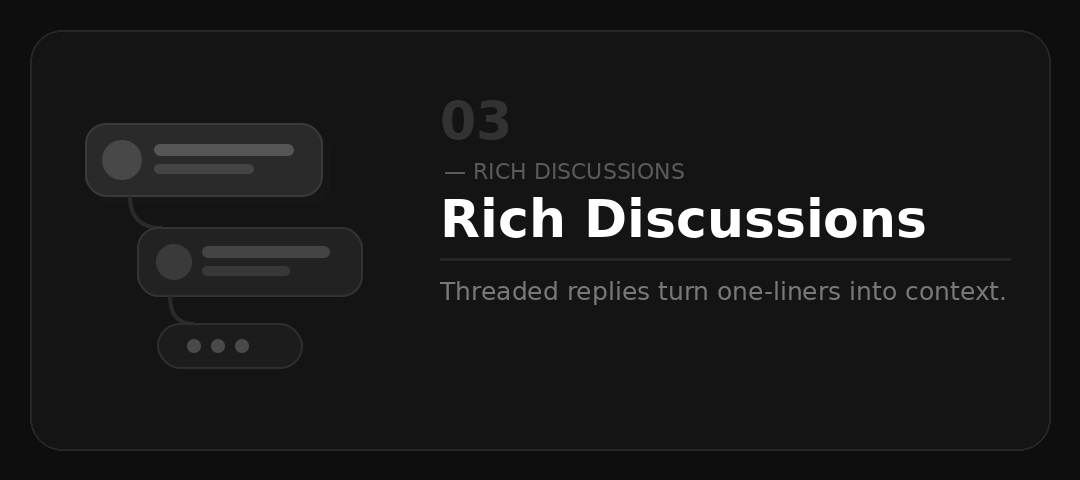
- Threaded replies — responses nest under the comment they answer, keeping debate organized instead of a flat wall of text.
- Comment threads — customers add use cases, edge cases, and "+1, but also…" detail that sharpens the requirement.
- Notifications — participants get pinged when a thread moves or status changes, so the conversation stays alive and they feel heard.
The payoff for your team
Richer discussion turns directly into better delivery:
- Clearer requirements — you ship knowing exactly what users meant.
- Fewer misunderstandings — context lives next to the request, not buried in someone's memory.
- Faster implementation — less back-and-forth in refinement because the "why" is already documented.
- Stronger relationships — users who are replied to and notified feel like partners, not a ticket number.
How a thread unfolds
A typical conversation flows naturally:
- A user posts: "Wish I could filter the dashboard by team."
- Three others up-vote and one replies: "Same — specifically by team and date range for our monthly review."
- Your PM jumps in to ask a clarifying question, and the original poster confirms the exact use case.
- You mark it Planned, everyone in the thread is notified, and the requirement is fully scoped before it ever hits a sprint board.
What started as one line ends as a spec.
Fits the way your team already works
Discussions don't live in a silo. Use status changes to keep customers in the loop, fold the documented context straight into your sprint planning, and let the thread itself serve as the lightweight spec your engineers reference. Try the discussion widget and watch one-liners become decisions.